
A designer works in inches, a supplier drawing uses millimetres, and a product sheet shows centimetres. The order can still remain clear if everyone knows which value controls. Trouble starts when rounded display numbers are copied back into the production specification.
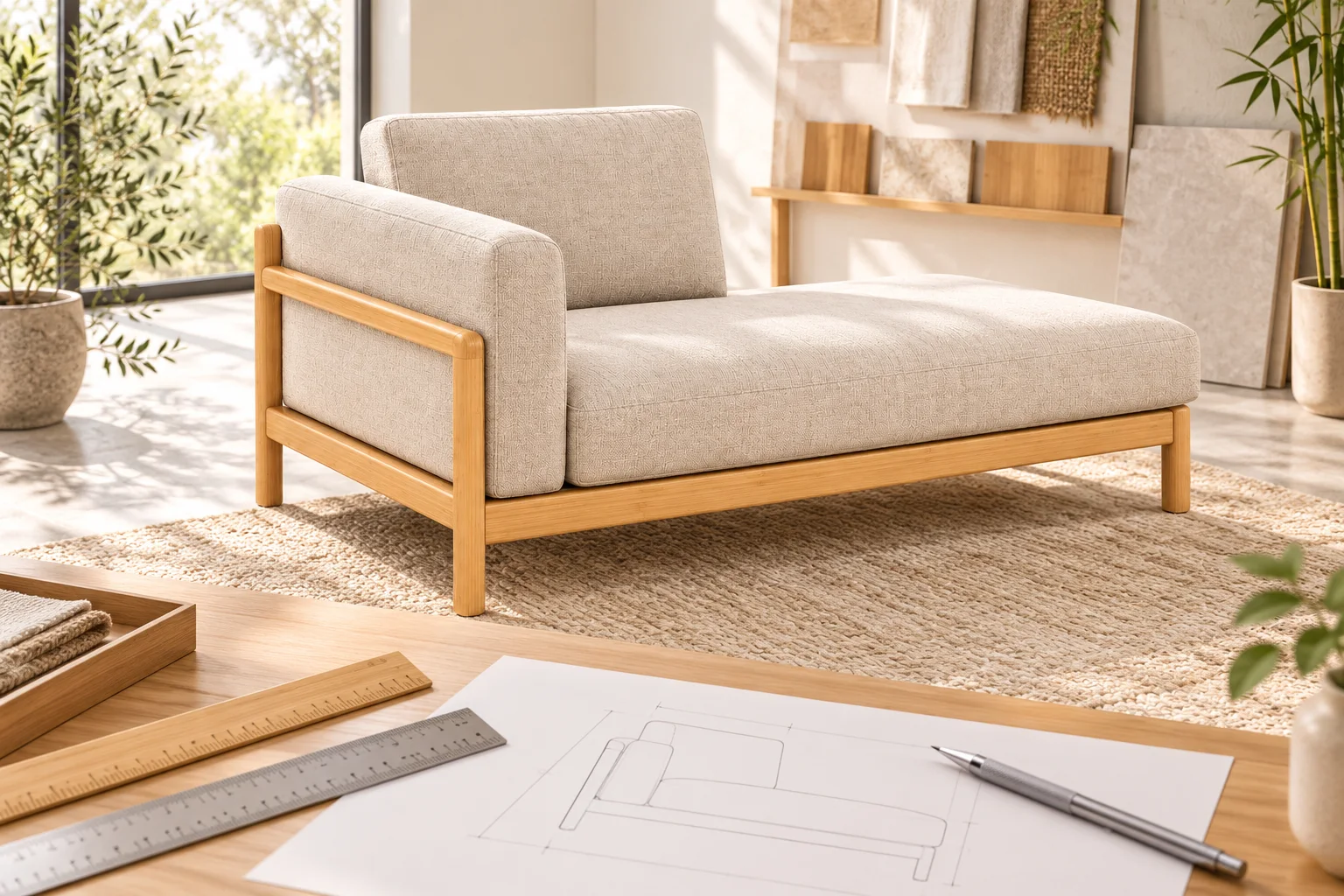
Name the controlling unit on the schedule
For the coastal chaise, the published overall width is 160 cm and the seat height is 45 cm. A project could record their equivalents in millimetres while retaining inches as a reference column. The team must agree the controlling unit; the presence of two unit systems should not create two independent size requirements.
Convert the value without adding manufacturing precision
NIST’s length reference defines one inch as exactly 25.4 mm. Multiply centimetres by ten to obtain millimetres, then divide millimetres by 25.4 for inches. The inch figures below are rounded to two decimal places for display; they do not establish a manufacturing tolerance.
| Dimension | Published cm | Equivalent mm | Approximate inches |
|---|---|---|---|
| Chaise overall width | 160 | 1600 | 62.99 |
| Chaise seat height | 45 | 450 | 17.72 |
| Dining chair overall width | 48 | 480 | 18.90 |
The last row is the overall width of the upholstered dining chair, not its seat width. Converting a number cannot correct a wrongly named measurement. Keep the original feature label beside every converted value.
Do not convert a rounded display back into a new requirement
The chaise’s 1600 mm width becomes approximately 62.99 inches. Multiplying that rounded display by 25.4 gives 1599.946 mm, not a newly approved production size. Retain 1600 mm if that is the agreed controlling value. More decimal places in a spreadsheet do not mean that the furniture is manufactured or measured to that precision.
For a room plan that uses feet and inches, confirm whether a value is decimal feet, decimal inches or a feet-and-inches expression before importing it. Never leave a bare number such as “48” for another team to interpret.
Update both columns from the same approved revision
When the controlling dimension changes, recalculate the reference column and identify the new revision. Do not allow the brochure, purchase order and drawing to evolve independently. Record any separately agreed tolerance in the controlling unit, with its measurement method; a conversion table does not supply that tolerance.
The chair measurement guide explains the distinction between overall and seat dimensions. For a project size review, send the model, controlling unit, labelled dimensions and current drawing version rather than a screenshot of unlabelled numbers.